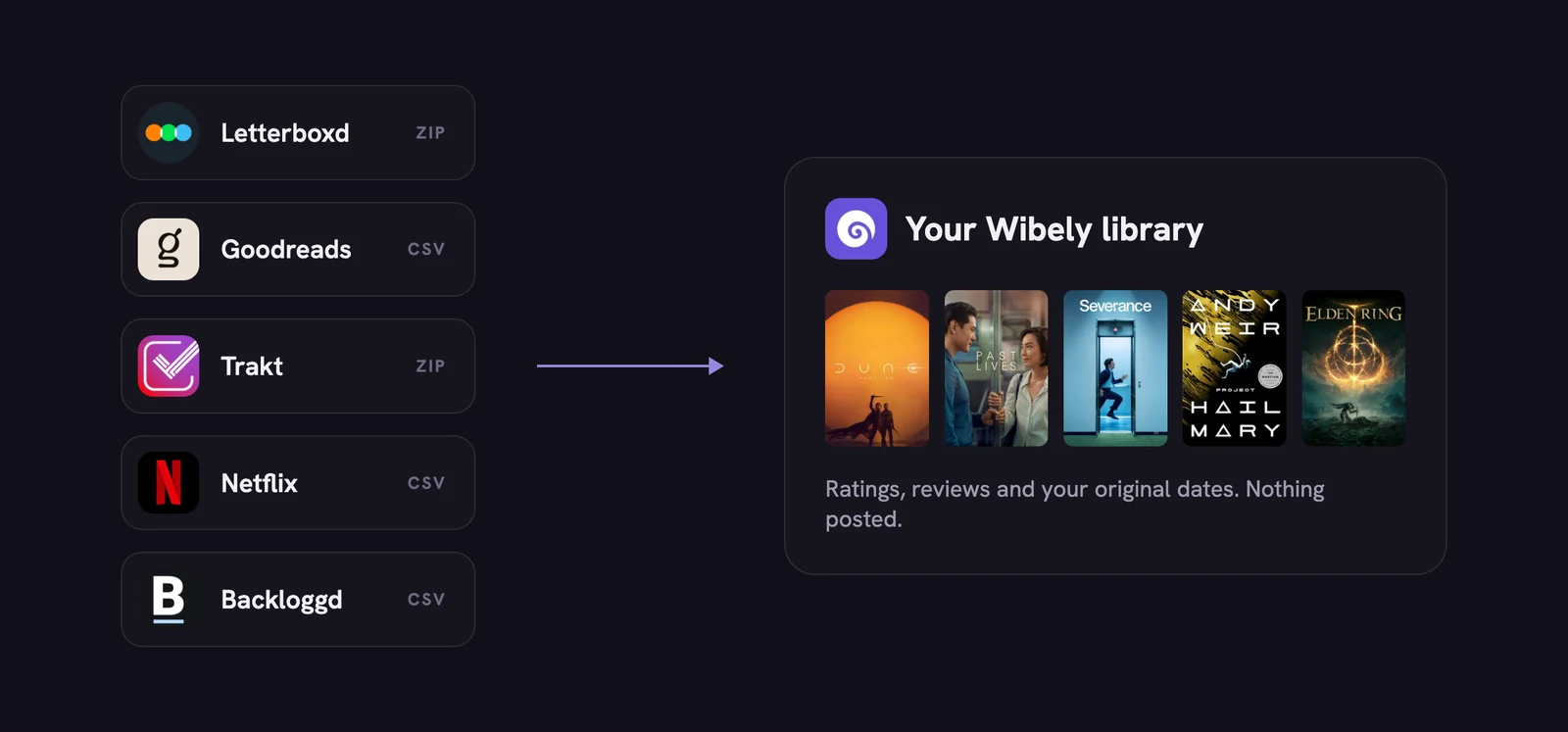
Years of ratings shouldn't be the reason you stay somewhere. Here's how to bring them with you, one service at a time, and exactly what comes across.
Before you start
- It's free. Imports are free, and always will be.
- You see it first. Wibely shows every match before saving anything. Keep or skip each one, fix a wrong match, or change the stars. Nothing is saved until you tap Import.
- It's quiet. Nothing is posted to your friends, and your original dates are kept.
- It never overwrites. Anything already in your library stays as it is.
- You can undo it. "Undo this import" removes everything that import added.
Which file you need, at a glance
| Service | Where to get it | File |
|---|---|---|
| Letterboxd | Settings, Data, Export your data | ZIP |
| Goodreads | My Books, Import and export, Export Library | CSV |
| Trakt | Settings, Data, Export Your Data | ZIP |
| Netflix | Account, your profile, Viewing activity, Download all | CSV |
| Backloggd | A browser extension that exports your library | CSV |
 Letterboxd
- On letterboxd.com, open Settings, then Data, and choose Export your data.
- You'll get a ZIP file. Upload the ZIP as it is; there's no need to unzip it.
Comes across: watched movies, ratings, reviews (spoiler flags included), your watchlist (into Saved), your lists, and rewatches from your diary.
 Goodreads
- On goodreads.com, open My Books, then Import and export, and choose Export Library.
- Download the CSV file and upload it.
Comes across: ratings, reviews, the date you read each book, and your to-read shelf (into Saved). Books on your currently-reading shelf come in as read, so skip those in the preview if you're mid-way.
 Trakt
- On trakt.tv, sign in and open Settings, then Data.
- Choose Export Your Data and download the ZIP file. Upload the ZIP as it is.
Comes across: watched movies and shows, ratings (Trakt's 10-point scale becomes five stars), comments as reviews, your watchlist and lists. Individual episodes aren't imported from Trakt yet.
 Netflix
- On netflix.com, open Account, choose your profile, then Viewing activity.
- At the bottom, choose Download all. You'll get a CSV file.
Comes across: the movies and shows you watched, with episodes ticked under each show. Netflix's file has no ratings, so add those yourself afterwards.
A tip from our members: some people never log by hand. They just upload their Netflix history again whenever they've watched something. That works: titles already in Wibely are left alone, and a movie you watched again on a later day is counted as watched again.
We noticed members re-uploading their Netflix history every week, so we made that safe: the same viewing is never counted twice.
 Backloggd
 has no export of its own, so members use a community browser extension that saves a CSV.
Comes across: played and backlog games, ratings, reviews, and replays as played again. Update to the latest Wibely first: older versions don't offer Backloggd.
What to check in the preview
The preview is the one place to tidy things up before they land in your library. Two minutes here saves fixing things one by one later.
- Titles that share a name. Remakes, and a book and its adaptation, are the usual mix-ups. Fix the match or skip the row.
- Things you never finished. Goodreads books you're still reading come in as read, so skip those.
- Stars that no longer feel right. You can change a rating in the preview before it's saved.
- Anything you'd rather leave behind. Skip it. Nothing comes across unless you keep it.
After the import
- Pick your All Time Favourites. With your history in, choosing five per kind takes a minute.
- Look through Saved. Your watchlist and to-read shelf land there, ready for the next free evening.
- Follow a few friends. Your history is the profile; the people you follow are the feed.
- Keep going from here. Log the next thing you finish, and start keeping notes on the moments that stay with you.
New to Wibely? Here's what it does, and how it compares with the app you're leaving.
Questions people ask
- Do imports cost anything?
- No. Imports are free, and always will be.
- Are my original dates kept?
- Yes. Each title comes in with the date from your file.
- Can I import from more than one service?
- Yes. Run one import per service. Anything already in your library is left as it is.
- Will my friends see a flood of posts?
- No. Imports post nothing.
- What if a title matches the wrong thing?
- Fix it in the preview before importing, or skip it.
- Can I import Spotify?
- Not yet.
- I changed my mind. Can I take it back?
- Yes. Undo this import removes everything it added.